It’s true that you can use Default Repo Detection to have your Munki clients connect to your Munki repo without having to actually adjust the Munki preferences for all your clients, but what if you do want to set the Munki preferences? For example, instead of https://munki.YOURSCHOOL.edu/munki_repo, maybe you want to use something else entirely, like https://awesomesoftware.YOURSCHOOL.edu, or even an IP address like https://10.0.3.220/repo.
I’d recommend using defaults write commands to write the preferences to your own client, and then converting that into a .mobileconfig profile you can deploy to your clients.
So on your own machine, for example, you can run commands like these (modify to suit your own needs):
sudo defaults write /Library/Preferences/ManagedInstalls SoftwareRepoURL "https://ADDRESSFORYOURMUNKIREPO"
sudo defaults write /Library/Preferences/ManagedInstalls PerformAuthRestarts -bool TRUE
You can set whatever Munki preferences you want. Those above are just examples.
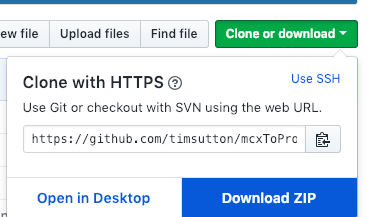
Once you have the preferences you want, download mcxToProfile, unzip the download, and then run
Downloads/mcxToProfile-master/mcxToProfile.py --plist /Library/Preferences/ManagedInstalls.plist --identifier MunkiPreferences
and that should create a .mobileconfig profile called MunkiPreferences.mobileconfig, which you can use to deploy Munki preferences to your client Macs (either by having folks double-click the .mobileconfig file to install it, or by uploading it to your MDM to deploy out to your clients).
Leave a Reply